



Experience premium entertainment with Xtreme HD IPTV UK. Enjoy 24,000+ live channels, a huge on-demand library, smooth streaming, Full HD quality, and regular content updates.

Setup IPTV on MAG Devices – Quick & Simple Guide (2026)
Setting up IPTV on a MAG device is very simple and mostly handled by us. There is no app installation and no complicated setup. You just need to send us your MAC address, and then enter the portal URL on your MAG box.
How MAG IPTV Setup Works
MAG devices use a MAC address–based setup instead of apps or logins. Once your MAC address is added to our system, your device is authorised to connect.
The only thing left on your side is to make sure the portal URL is set correctly on the MAG device.
Where to Find Your MAG Device MAC Address
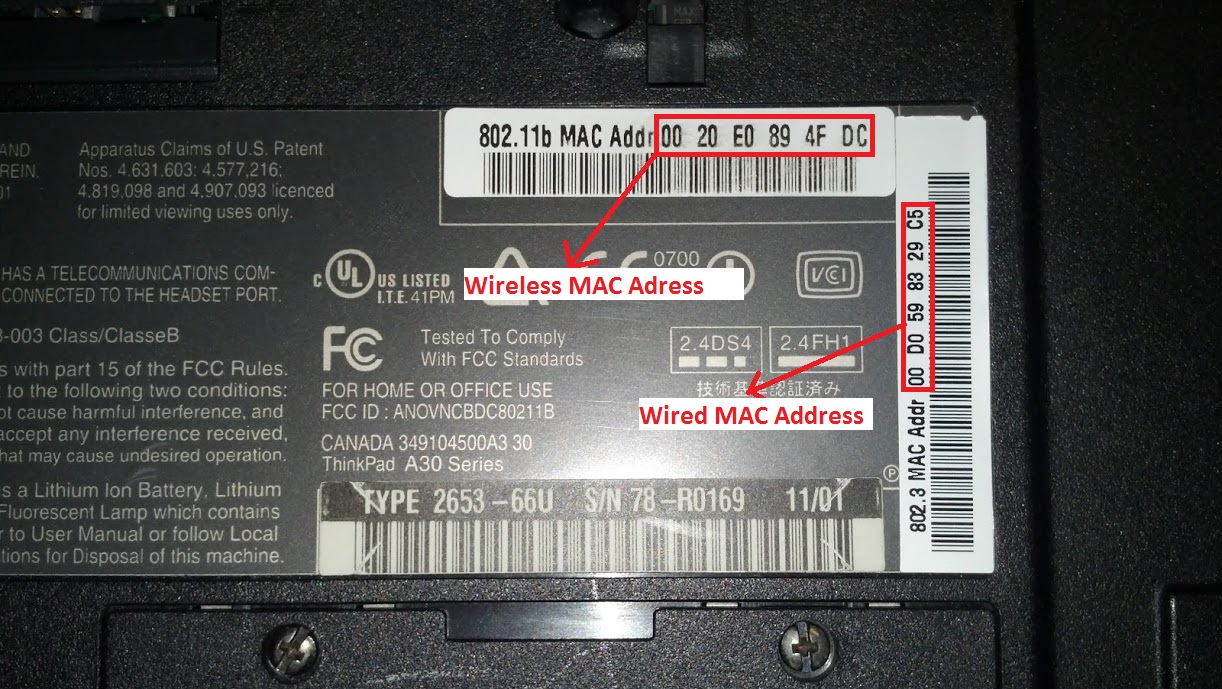
You can find the MAC address in two places:
• On the back of the MAG device (printed on a sticker)
• On-screen when you turn the MAG box on, usually shown on the right-hand side panel
MAG MAC addresses usually start with 00:1A:79.
Example MAG MAC Address
00:1A:79:3F:8B:21
What You Need to Do
Once you have your MAC address:
Send it to us via WhatsApp or email at xtreme-iptv-uk@pm.me
Once we activate it on our system, we’ll confirm when it’s ready.
How to Set the Portal on a MAG Device
After activation, you need to set the portal URL on the MAG box. This only takes a minute.
Using your MAG remote:
Press Settings
Go to System Settings
Open Servers
Select Portals
Under Portal 1 URL, enter the portal link we provide
Press OK to save
If there is a name field, you can leave it blank or enter anything.
Once done, exit the settings and restart the MAG device.
When the box reboots, it will connect to the portal and load channels automatically.
Final Notes
MAG devices are ideal if you want a simple, reliable IPTV setup without apps or extra configuration. Once the MAC address and portal are set, everything works automatically.
If you ever change your MAG device or reset it, just re-enter the portal URL or send us the new MAC address and we’ll take care of the rest.