



Experience premium entertainment with Xtreme HD IPTV UK. Enjoy 24,000+ live channels, a huge on-demand library, smooth streaming, Full HD quality, and regular content updates.
Setup IPTV on Windows PC & Mac in 2026 – Easy Desktop Guide
Watching IPTV on a Windows PC or Mac is a great option if you prefer using a laptop or desktop instead of a TV. The setup is quick, stable, and ideal for everyday use, whether you’re at home or on the move.
This guide covers Windows first, then Mac, and is fully updated for 2026. It’s written in simple, easy-to-follow language for UK users.
Setup IPTV on Windows PC
Windows offers the widest choice of IPTV apps, and most of them can be installed directly from the Microsoft Store or official websites.
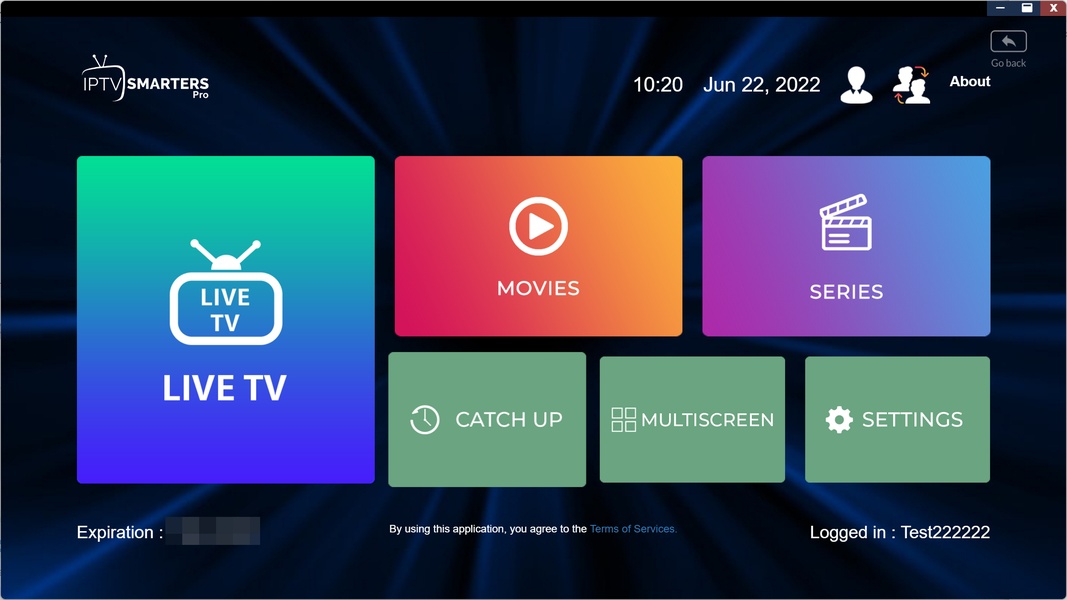
IPTV Smarters Pro (Windows – Recommended)
Download link:
https://www.iptvsmarters.com/download?download=windows_app
Cost: Completely free
This is the most popular IPTV app on Windows. It’s easy to use, very stable, and perfect for beginners. If you’re setting up IPTV on a PC for the first time, this is the best place to start.
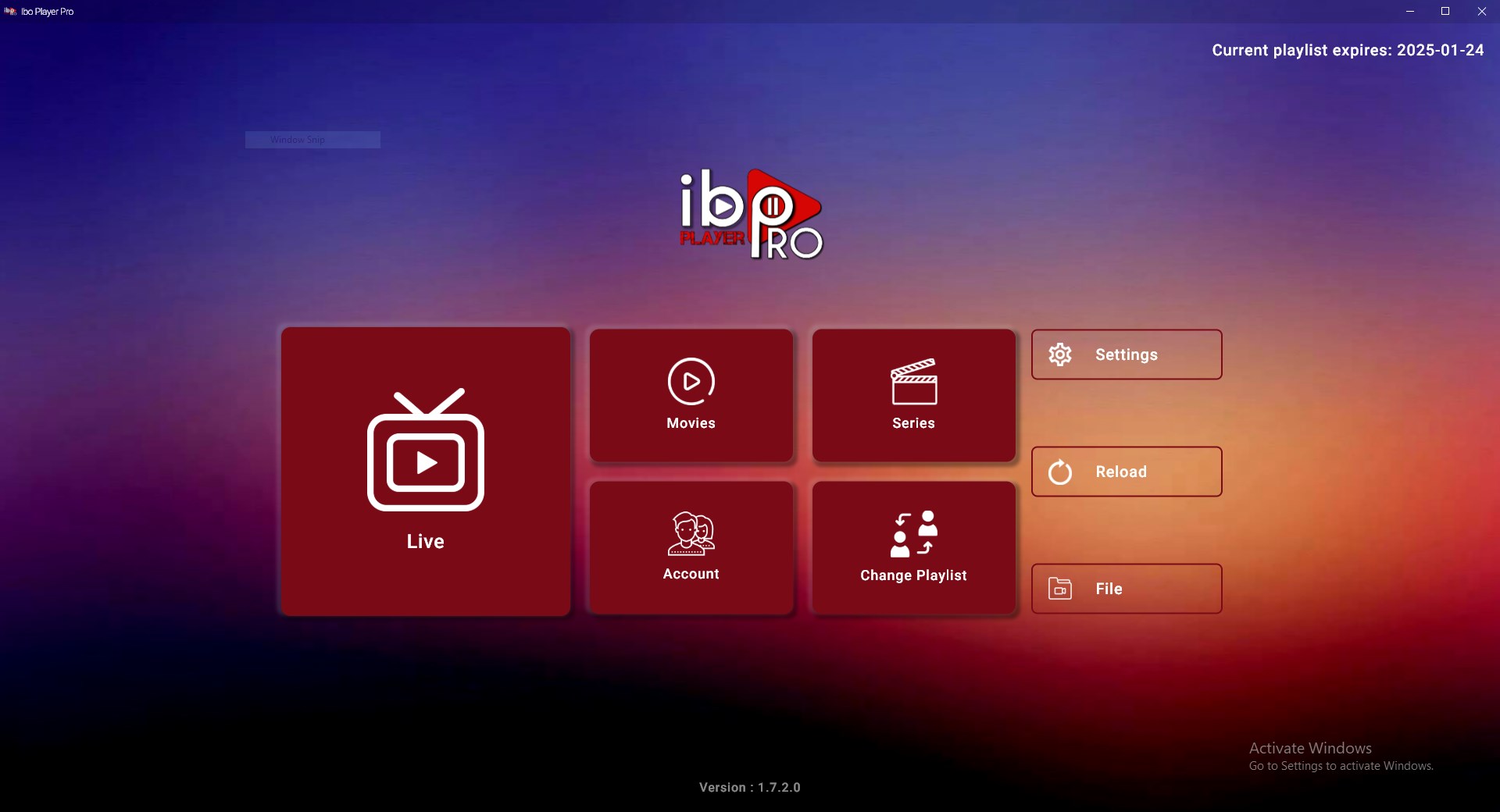
IBO Player Pro (Windows)
Microsoft Store:
https://apps.microsoft.com/detail/9msnk97xpvrk
Cost: Paid app
Pricing:
• 7-day free trial
• Lifetime activation around £7.80 per device
A smooth and well-designed player that requires activation after the trial.
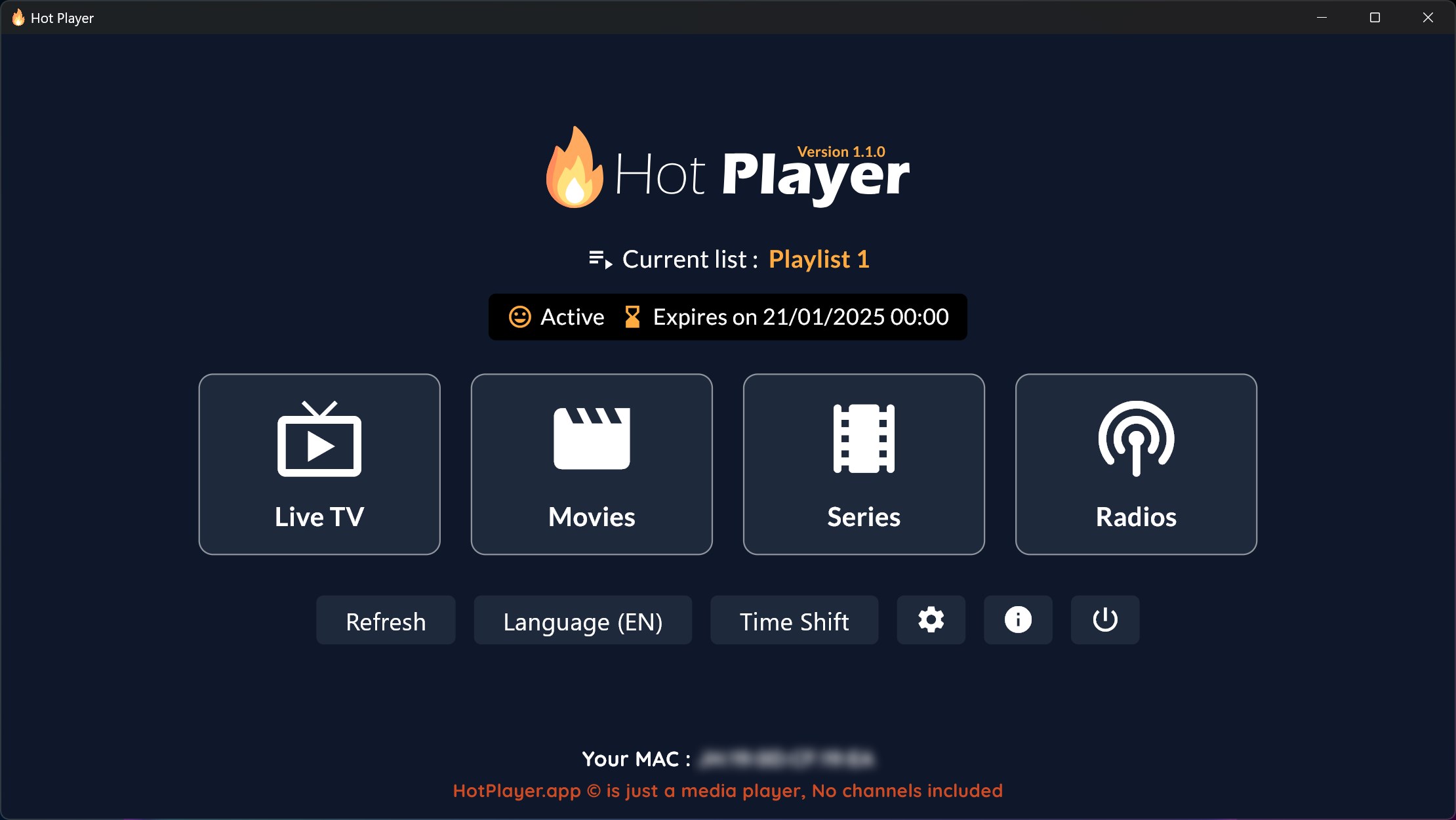
Hot Player (Windows)
Microsoft Store:
https://apps.microsoft.com/detail/9pl1l6tvq60k
Cost: Paid app
Trial: 30 days
Pricing options:
• One-time activation around £11 per device
• Or £4.40 for 1 year per device
Works in a similar way to Hot IPTV on TV devices.
Zen IPTV Player (Windows)
Microsoft Store:
https://apps.microsoft.com/detail/9p965p02vb9b
Cost: Free
A simple and lightweight option that gets the job done.
iM IPTV Player (Windows)
Microsoft Store:
https://apps.microsoft.com/detail/9mxs4dm40n5d
Cost: Free with optional premium features
Good balance between features and ease of use.
Vu Player Pro (Windows)
Microsoft Store:
https://apps.microsoft.com/detail/9pmgqq6281pg
Cost: Free with optional paid upgrades
Another solid choice if you want something straightforward.
All of the apps above can be downloaded safely and directly from the Microsoft Store or official websites.
How to Log In on Windows IPTV Apps
Once you’ve installed your chosen app, the login process is very straightforward.
Open the IPTV app
Choose Login with Xtream Codes API
Enter the IPTV details we sent you.

Any Name: This can be anything you like
Username: Use the username we provided
Password: Use the password we provided
URL: Enter the server link included in your details
Confirm the login and wait a few seconds for channels and content to load.
Apps That Use Website Activation on Windows
Some apps work slightly differently.
IBO Player Pro and Hot Player may require activation through their official website using your M3U link.
Once the M3U link is uploaded, restart or refresh the app and your channels will load.
Other apps, such as IPTV Smarters Pro, allow direct login inside the app.
Setup IPTV on Mac (macOS)
Mac users have fewer native IPTV apps than Windows, but setup is still very simple.
IPTV Smarters Pro (macOS)
Available directly from the official IPTV Smarters website or through link : https://apps.apple.com/us/app/smarters-pro/id6450746159
Free to use and very similar to the Windows version.
The login process is exactly the same using Xtream Codes API.
VLC Media Player (Mac – Alternative Option – Very Basic)

VLC can also be used with an M3U link if you prefer something basic. (its only for channels – you wont get access to movies and series)
Download link : https://images.videolan.org/vlc/download-macosx.html
This option doesn’t include EPG or a full TV-style layout, but it works well for quick access to channels.
Most Mac users prefer IPTV Smarters Pro for the best overall experience.
Final Thoughts
Setting up IPTV on a Windows PC or Mac is quick and hassle-free. Install a desktop IPTV app, log in with your details, and you’re ready to stream.
For most users, IPTV Smarters Pro is the easiest and most reliable option on both Windows and macOS.